
See-What-I-See Video
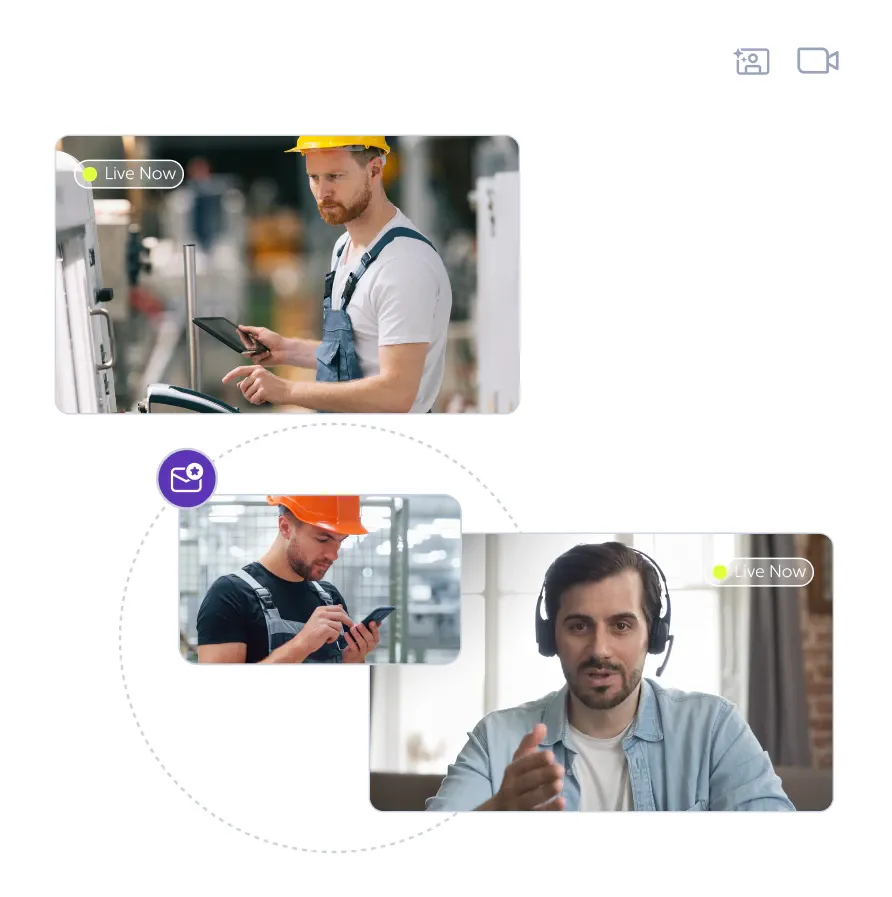
The operator shares a live camera feed, so the expert sees the actual fault.
Remote Eye by Wideum is AR remote assistance software for smart glasses, with see-what-I-see video, live annotations and recording. Part of our remote support software range, licensed yearly.
See-What-I-See Video
The operator shares a live camera feed, so the expert sees the actual fault.
Live Annotation
The expert draws on the live image and points with a red dot cursor.
Session Recording
Calls are recorded and summarised into a traceable service record.
First-Time Fix
Guided calls close the job on the first visit instead of a second call-out.
The expert opens the operator's camera feed, talks them through the job and draws on the live image with annotations and a red dot cursor. Sessions can be recorded, screenshots captured, and configurable reports generated with transcription and AI summaries, which turns a support call into training material and a service record. A low-bandwidth mode keeps calls usable on a weak site connection, and guest expert access brings in an external specialist without provisioning them a full account.
Remote Eye runs across smart glasses, smartphones, tablets and desktop browsers, with support for devices including RealWear, Epson Moverio, Vuzix, Iristick and Rokid. Mixed fleets are the normal case: the helpdesk works from a browser while technicians wear the RealWear Navigator 520 or Vuzix LX1. Full feature detail sits on the Remote Eye product page.
Remote Eye is licensed by expert and by operator or device access, so the first question is how many people initiate sessions versus how many receive them. It supports encrypted communication, API access, Salesforce integration and an on-premise setup where data handling rules require it. Those governance details matter more after month three than the feature list did in week one, so we put them on the table before the quote.
We supply Remote Eye alongside the software and hardware it sits with, and pair it with glasses that suit the working environment. Book a demo on your own equipment, or compare Remote Eye against the other remote support software in the range before choosing an annual term.
