
Host Charging
Power flows back to the laptop or phone while video runs to the glasses.
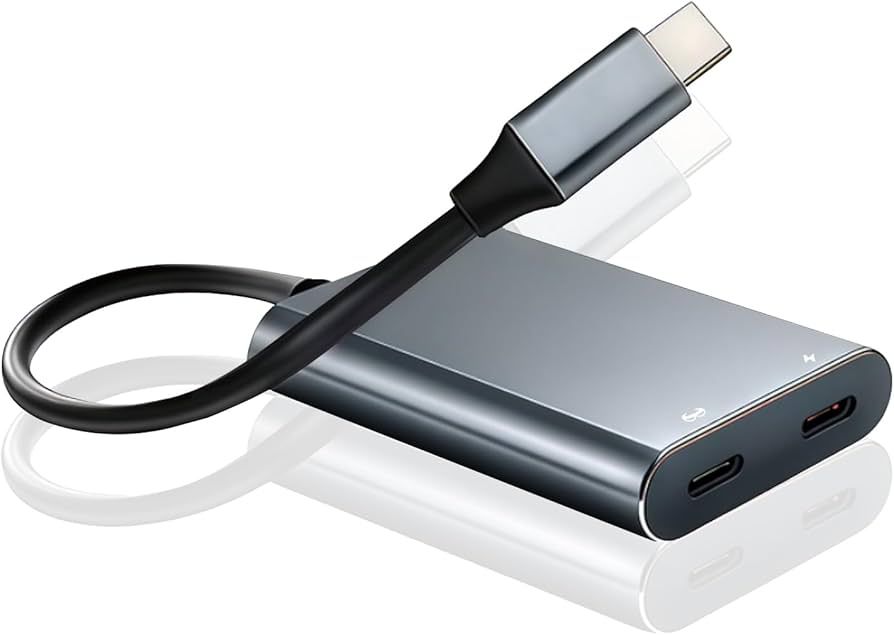
The XREAL USB-C hub keeps XREAL display glasses connected while the host device charges. Browse related accessories, supplied for business with volume pricing.
Host Charging
Power flows back to the laptop or phone while video runs to the glasses.
Laptop & Console Video
Connects XREAL One Pro and 1S to USB-C ports that output video.
All-Day Sessions
A virtual screen lasts the working day instead of the host battery.
Desk-Free Setup
Add a folding keyboard to work from a private screen without a monitor.
XREAL display glasses draw both video and power from whatever they are plugged into. Over a two-hour session that is fine; over a day of client visits it flattens the host. The XREAL USB-C hub sits between the two, passing video to the glasses while feeding power back into the phone or laptop, so the limit moves from battery capacity to the length of the working day.
It works with USB-C hosts that output video over the port, which covers most current laptops, tablets, phones and handheld consoles. Confirm the port on your fleet standard before ordering. Not every USB-C socket carries video, and that single detail decides whether the XREAL One Pro or 1S works out of the box for your users or generates a support ticket on day one.
One hub per user who works away from a desk is the usual ratio. Staff who dock at a fixed workstation rarely need one. Alongside the hub, keep correct-spec USB-C cables in the kit as spares: XREAL glasses need a cable that carries video as well as power, and an identical-looking charging cable from a drawer will produce a blank display and a confused user.
VR Expert AI supplies XREAL hardware and accessories against one purchase order, with business invoicing and US and EU delivery. See the full smart glasses accessories range, or compare AR glasses if the device is still open. Tell us which host devices your team runs and we will confirm compatibility before anything ships.
